What is the CRA Practice Kit?
A structured work system consisting of the Practice Handbook, Navigator, Practical Task Guide, Master Checklist, 44 work tools, Cockpit, Quality Checks, worked example and editable target documents.

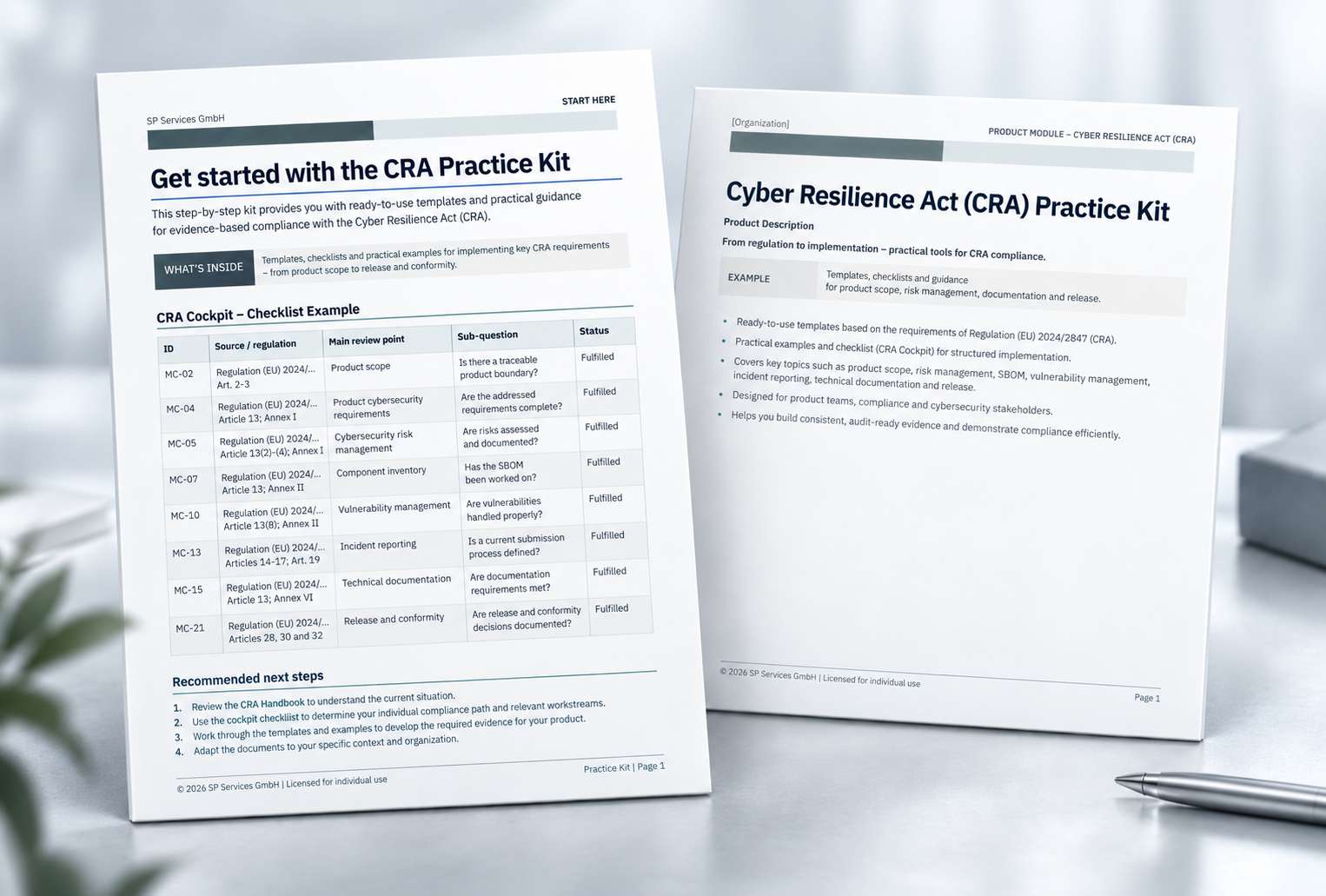
Work through CRA tasks from scope to technical documentation in one guided work status – with the Master Checklist, 44 work tools, Cockpit and editable target documents.
Work through the Cyber Resilience Act for products with digital elements in a practical way: clarify scope and roles, maintain the central Master Checklist, document cybersecurity risks and SBOM/VEX, manage vulnerabilities and incidents, and consolidate results in a technical CRA/Product Cybersecurity Dossier.
Legal basis: Regulation (EU) 2024/2847 of the European Parliament and of the Council of 23 October 2024 on horizontal cybersecurity requirements for products with digital elements and amending Regulations (EU) No 168/2013 and (EU) 2019/1020 and Directive (EU) 2020/1828 (Cyber Resilience Act), OJ L, 2024/2847, 20 November 2024.
A structured work system consisting of the Practice Handbook, Navigator, Practical Task Guide, Master Checklist, 44 work tools, Cockpit, Quality Checks, worked example and editable target documents.
Work through CRA tasks from scope and roles through requirements, risks, components, SBOM/VEX and incidents to technical documentation and conformity preparation.
No legal advice, certification, technical assessment, production SBOM or automatic confirmation of conformity.
Ready for you. Ready for your AI.
Don't build the entire CRA workflow from scratch – even with AI. The Practice Kit already brings together editable work tools, a guided process, a Cockpit, worked examples and dedicated AI assistant files.
You can use an AI system approved by your organisation to help navigate the Kit, work with your own product information, review selected documents and identify gaps. Instead of asking AI to design the entire working structure first, you and your AI can start from materials that are already prepared and connected.
The result: less work setting up the structure, more focus on your actual product case, documentation and evidence. Your team remains responsible for factual inputs, specialist reviews and final decisions.
The CRA Practice Kit provides that working foundation in advance: 44 editable work tools, a Navigator, a Cockpit, a worked example, Quality Checks and four task-specific, system-neutral AI assistant files. Your AI can work from the relevant tool and its existing fields rather than starting with a blank document.
This supports a more focused collaboration: you provide the real product information and make the decisions; your AI helps you navigate, complete and review; the Practice Kit provides the working framework.
AI support is optional. No AI subscription or AI model is included. Compatibility depends on the AI system and file features your organisation permits.
Bring CRA work into a controlled work status using the Master Checklist, work tools, Cockpit, Quality Checks and editable target documents.
CRA-relevant product information, roles, requirements, risks, components, vulnerabilities, incidents and evidence are often distributed across different teams and files. Without a central review logic, open items, evidence and approval status are difficult to trace.
The Master Checklist, TASK_INDEX, 44 work tools, Cockpit status, the WT-07 baseline with 80 prefilled CRA review requirements and editable target documents bring tasks, requirements, evidence and approval together.
Document the product boundary, digital elements, economic-operator role and supply path in a traceable way.
Maintain a case-specific review overview with completion criteria, evidence status and linked work tools.
Connect product-security tasks, cybersecurity risks, supplier, component, SBOM and VEX information in a structured way.
Bring vulnerability management, updates, incidents, reporting, evidence and technical documentation together through conformity preparation.
The CRA work process, Master Checklist, work tools, Quality Checks and documentation structure are already connected. Product-specific information can be transferred into this framework instead of building requirements, registers, review paths and evidence logic from scratch.
Prepared processes, work tools and evidence structures help reduce internal research and setup effort.
Existing specialist knowledge can be transferred directly into a structured working process inside the organisation.
Legal, technical or other specialist questions remain with the appropriate experts. External support can be focused on the points that require individual assessment or specialist decisions.
From the relevant timing and scope/role questions through risks, components, SBOM/VEX, vulnerabilities and incidents to technical documentation and authority requests: the work tools bring the concrete CRA tasks together in a structured way.
Clarify which CRA milestones are relevant to your product case and which preparatory work is required now.
Use: Master Checklist, WT-05 and WT-07; WT-01 to WT-04 as needed for the product/case baseline.
Outcome: A dated, traceable starting point with visible open questions, responsibilities and freshness checks.
Document the product boundary, digital elements, scope/applicability, economic-operator role and supply path in a traceable way.
Use: WT-01, WT-05 and WT-06; WT-02 to WT-04 as needed for variants, responsibilities and stakeholders/suppliers.
Outcome: Documented scope and role/supply-path status with visible open specialist questions.
Review the prefilled CRA requirements for the concrete case and connect requirement applicability, product-security requirements, verification/evidence, gaps and actions.
Use: WT-07 to WT-11; WT-07 contains 80 prefilled CRA review requirements.
Outcome: Requirements/applicability status with verification planning, transparent gaps, actions, owners and dates.
Work through assets, threat and misuse scenarios, risks, treatments and residual risks for the product case in a structured way.
Use: WT-12 to WT-17 and the coherent worked example.
Outcome: Documented risk treatment with traceable residual-risk and approval logic.
Manage components, supplier information, SBOM/validation status, VEX evidence, open-source and third-party components in a connected way.
Use: WT-18 to WT-22.
Outcome: Traceable component, supplier, SBOM and VEX work status.
Link vulnerability management, triage, CVD, security updates, support/end-of-support and incident/reporting work with responsibilities and evidence.
Use: WT-23 to WT-36.
Outcome: Controllable work status for vulnerabilities, updates, support, incidents and reporting.
Bring evidence/traceability, technical documentation, change/reassessment, internal release preparation and conformity preparation into controlled work states and editable target documents.
Use: WT-37 to WT-42 plus the three target documents; keep future-state optimisation options separate in WT-44 where needed.
Outcome: Reviewable documentation, release and reassessment status with visible open items and specialist reviews.
Record concrete authority/market-surveillance requests, assemble approved evidence and document the response, submission/receipt and follow-up.
Use: WT-43 together with WT-37 and WT-39; use WT-34 for communication events where useful.
Outcome: Versioned, traceable response and evidence status.
Work tools, guidance, worked examples, Quality Checks and AI assistants are connected through common references.
Editable specialist work tools for central CRA tasks; WT-07 contains a baseline with 80 prefilled CRA review requirements.
Methodical entry, case-specific navigation and practical execution along the eight-stage CRA Work Process.
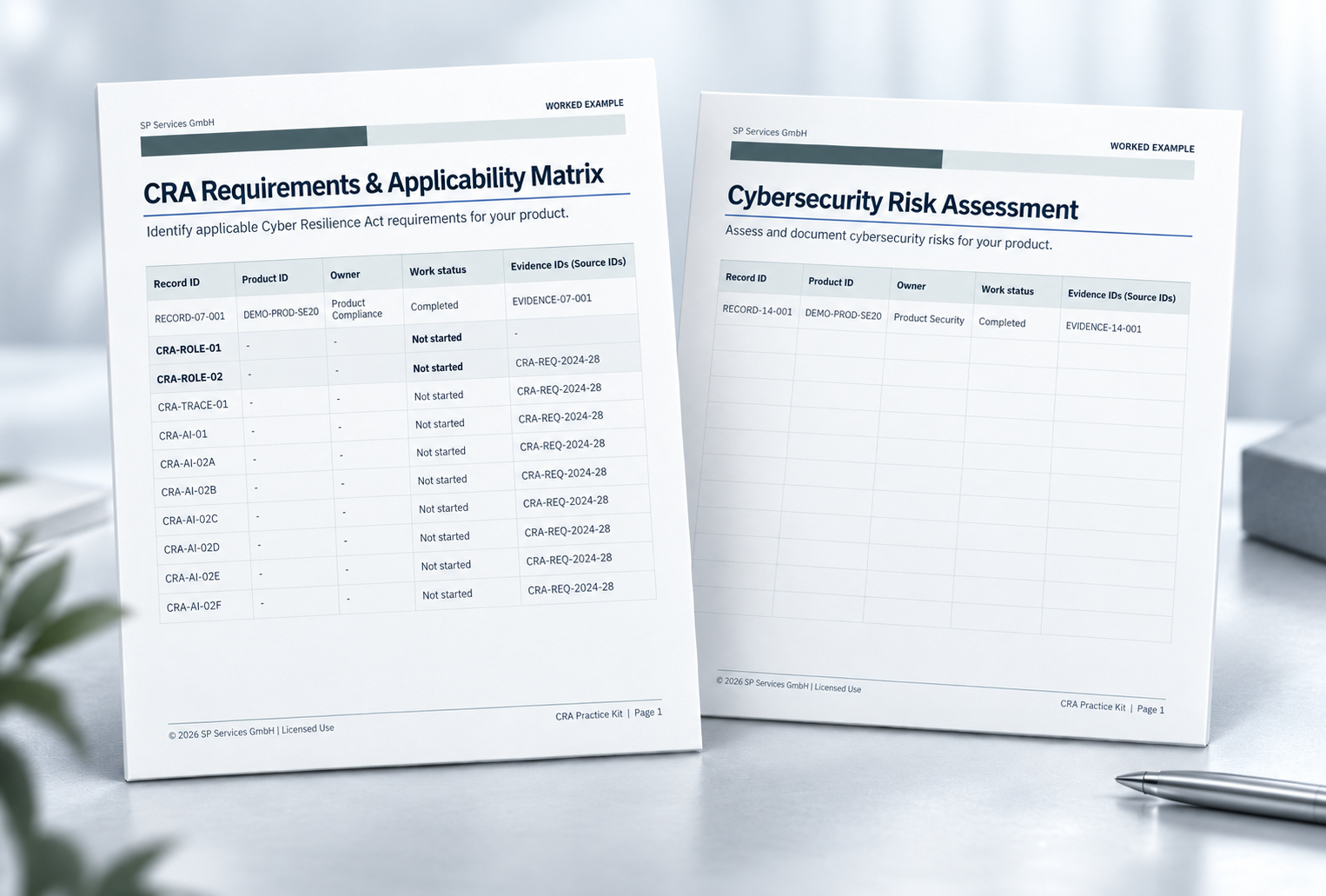
SecureEdge Gateway 200 as a fictional coherent worked example with 44 completed work tools, an SBOM example and a Guided Worked Example Walkthrough.
Maintain the case-specific work path, central Master Checklist, task navigation and consolidated work status.
Internal checks for completeness, plausibility, cross-references and open decisions.
Navigation and Explanation, Working and Completion, Review/Consistency/Error Analysis, and Questions/Gaps/Clarification – each as a self-contained, system-neutral assistant file.
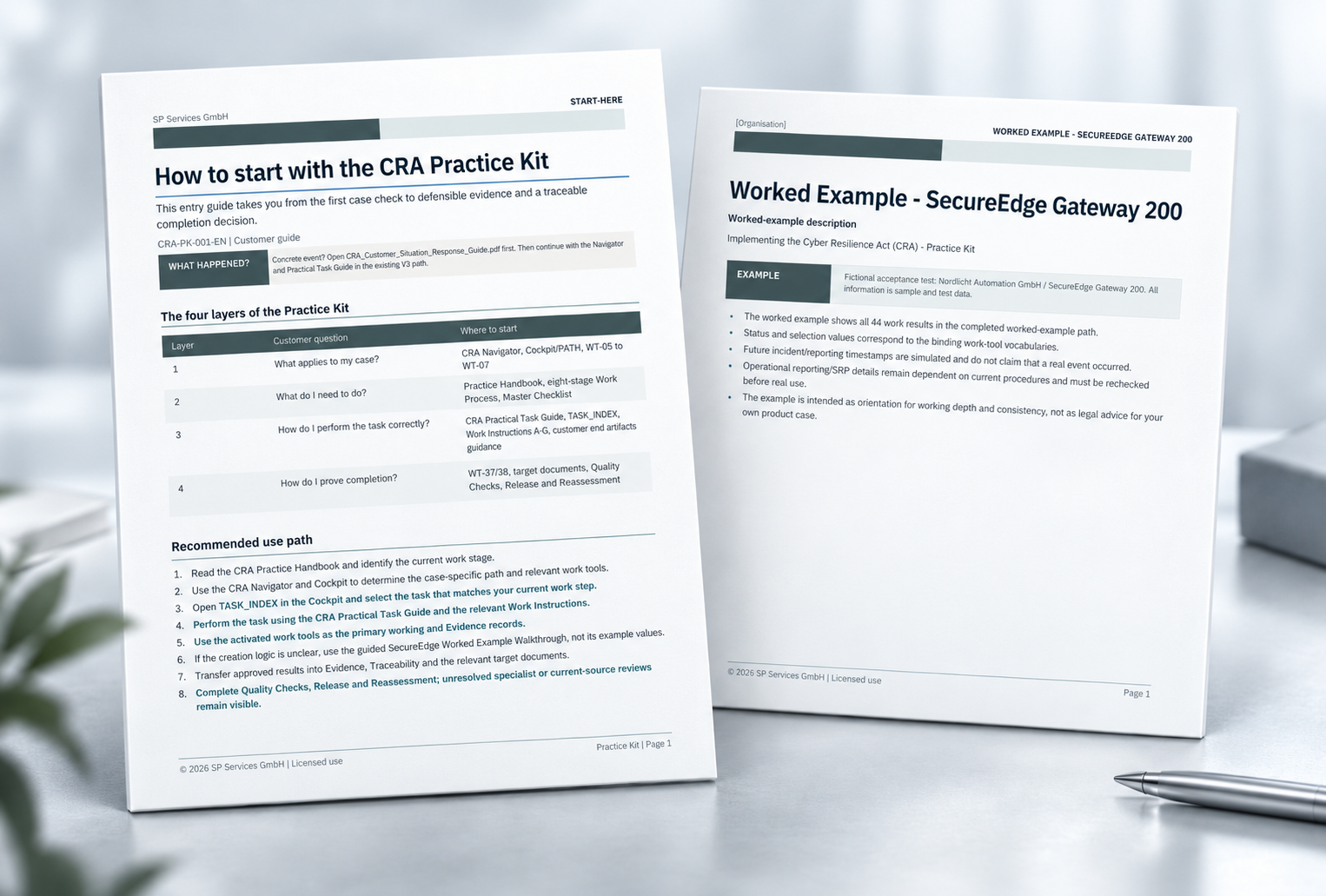
The Practice Handbook, Navigator, TASK_INDEX, work tools, evidence and target documents guide you through eight connected work stages. New findings may trigger targeted reassessment and the reopening of affected work states.
Each Work Area brings together the relevant work tools, Work Instructions, completed worked-example files and one Quality Check.
Product and Scope Record, variants/versions, internal roles, stakeholders/suppliers, scope/applicability and economic-operator/supply-path decisions.
Requirements/Applicability Matrix, Product Security/Verification Plan, Gap Analysis, actions/priorities and responsibility/schedule control.
Assets, protection needs, threat and misuse scenarios, risk assessment, treatment and residual-risk approval.
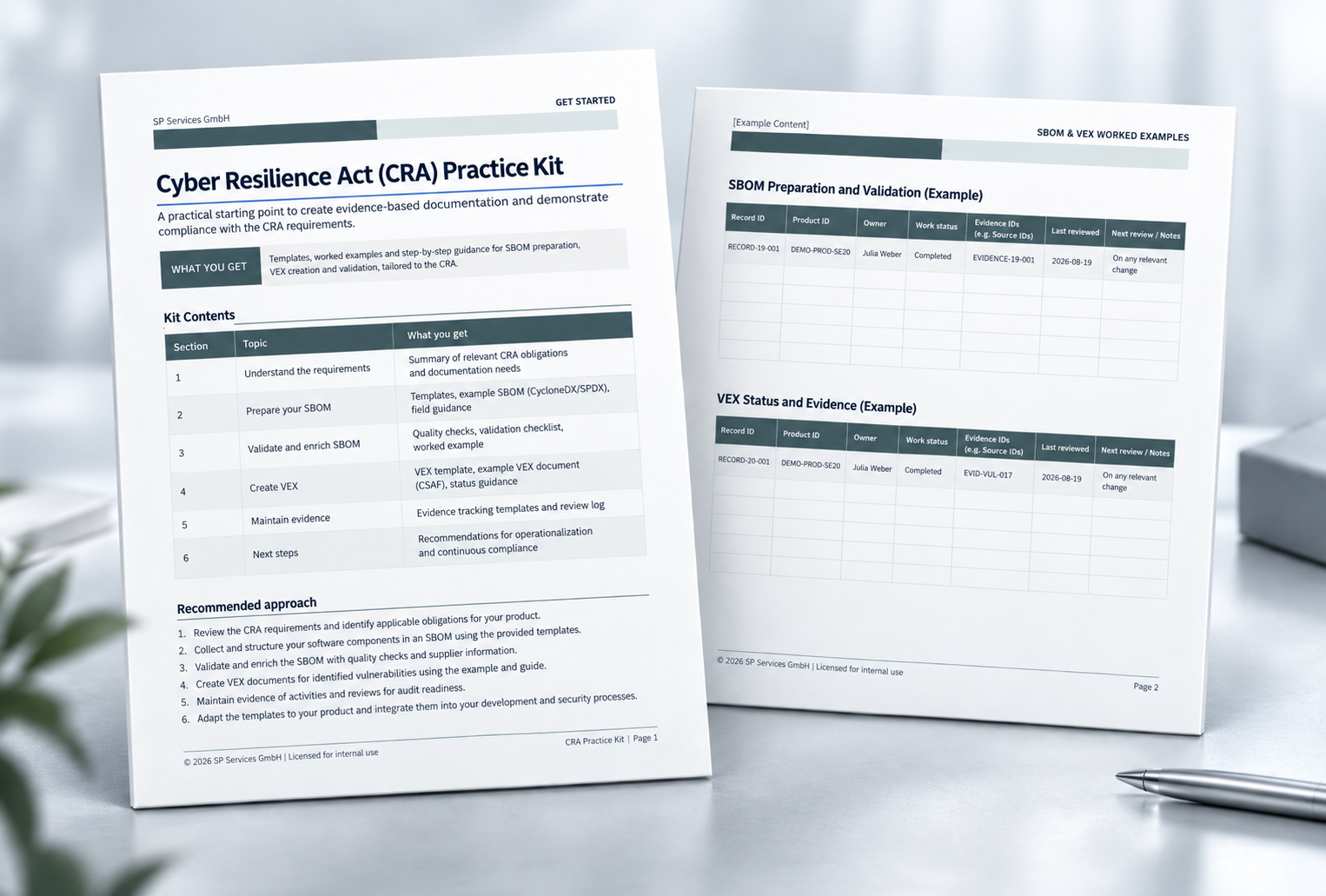
Component Inventory, SBOM Preparation and Validation, VEX Status/Evidence, Supplier Security/Evidence and open-source/third-party components.
Vulnerability management, triage, CVD, security update/patch process, update release decision, support period, end-of-support and Security Advisory.
First signal/awareness, incident assessment, CRA reporting readiness, communication/receipt log, closure and lessons learned.
Evidence/Document Index, Requirement-Test-Evidence traceability, technical documentation, change/reassessment, internal product release decision, conformity preparation and authority response.
For one task, load exactly one assistant file together with the concrete working file into an internally approved AI system. The assistants support the work but do not make specialist or legal approval decisions.
Identify the appropriate entry point, relevant work stage, required work tools and next concrete steps in the Practice Kit and explain the relationships.
Transfer supported information into the concrete working file in a structured way, keep assumptions and open items visible, and support completion.
Review completeness, consistency, cross-references, evidence links and identifiable errors or open decisions.
Structure and prioritise missing information, evidence, specialist questions and clarification needs.
Work with a copy, keep product states unambiguous and use the Navigator, Practical Task Guide, work tools, worked example and Quality Checks as one controlled work chain.
Read the CRA Practice Handbook and determine the current work stage.
Use the CRA Navigator and Cockpit/PATH to determine the case-specific work path and relevant work tools.
Open TASK_INDEX in the Cockpit and select the task matching the current work step.
Work through the task using the CRA Practical Task Guide and the relevant Work Instructions.
Use the activated work tools as the primary working and evidence records.
If the linkage or creation logic is unclear, use the Guided SecureEdge Worked Example Walkthrough – do not copy the example values.
Transfer approved results into evidence, traceability and the relevant target documents.
Complete the Quality Checks, release and reassessment; keep open specialist or freshness checks visible.
 AI-Ready Product
 AI-Ready Product
Product scoping, readiness and gap analysis, and prioritised action planning are not included in the product price.
Request individual support →Perpetual internal use and editing within the named legal entity. Your own substantially adapted work results may be shared for their intended purpose; blank original templates and AI assistant files may not be passed on.
Support for download, file access, package structure and reproducible technical product errors. No individual legal, specialist or security advice.
You purchase the product version identified in the checkout. Later major versions, additional content and regulatory-status updates are included only where this is expressly stated.
For further technical questions about the product, contact us at digitalprodukte@sp-services-gmbh.de
Your AI can help you build documents and processes, but you would still need to assemble, connect and review the complete working structure. This Practice Kit supplies the CRA working tools and their relationships in advance, so you can use your AI for the actual case-specific work instead of first creating the entire framework. It does not replace specialist judgement, testing or conformity assessment.
No. It is a digital work and documentation package. It does not confirm CRA conformity of a product or a professional qualification of the user.
No. The templates support structuring and documentation. Whether requirements are met depends on the concrete product, the measures and tests actually implemented, and the responsible decisions.
No. It is also designed for manufacturers of machinery, devices, controllers, test equipment, industrial components and other technical products with digital functions.
Yes. The working templates are provided in editable Word and Excel formats. A SecureEdge Gateway 200 SBOM example is provided as a machine-readable JSON file.
Select one of the four assistants, upload its Markdown file together with the concrete working file into your internally approved AI system, and give it a short task. Additional prompt or role files are not required for standard use.
No. The product contains system-neutral assistant files. Selection, approval, cost and data protection for the AI system used remain the customer's responsibility.
No. The kit contains work tools for component inventory, SBOM preparation and validation, plus a SecureEdge Gateway 200 SBOM example. A production SBOM is not generated automatically.
No. Individual review, approval or gap analysis is not included in the product price and can only be agreed as a separate service.
Yes. The company licence allows internal use by employees and commissioned persons of the named licensee.
Yes. The licensee may use the kit for several of its own products, product variants and internal projects.
Not automatically. The licence applies to the named legal entity. Other legally independent entities generally require their own licence.
Yes, where they are your own substantially adapted work results and sharing is required for your own products or procedures. Blank original templates and AI assistant files may not be passed on.
You purchase the product version identified in the checkout. Later major versions and regulatory-status updates are included only where this is expressly stated.
Support for download, file access, package structure and reproducible technical product errors. Individual legal, specialist or security advice is not included.
No. The product is intended exclusively for entrepreneurs and organisations in the B2B sector.
The kit supports technical documentation with an Evidence/Document Index, Requirement-Test-Evidence Matrix, Completeness Record and an editable technical CRA/Product Cybersecurity Dossier aligned to Annex VII. Which content is required for the concrete product case and whether the evidence is technically sufficient must be reviewed and approved for the specific product.
The work tools connect the vulnerability register, triage, coordinated vulnerability disclosure, security updates, support/end-of-support decisions, incident escalation and CRA reporting assessment. Whether a concrete event is reportable remains a case-specific specialist and legal decision.
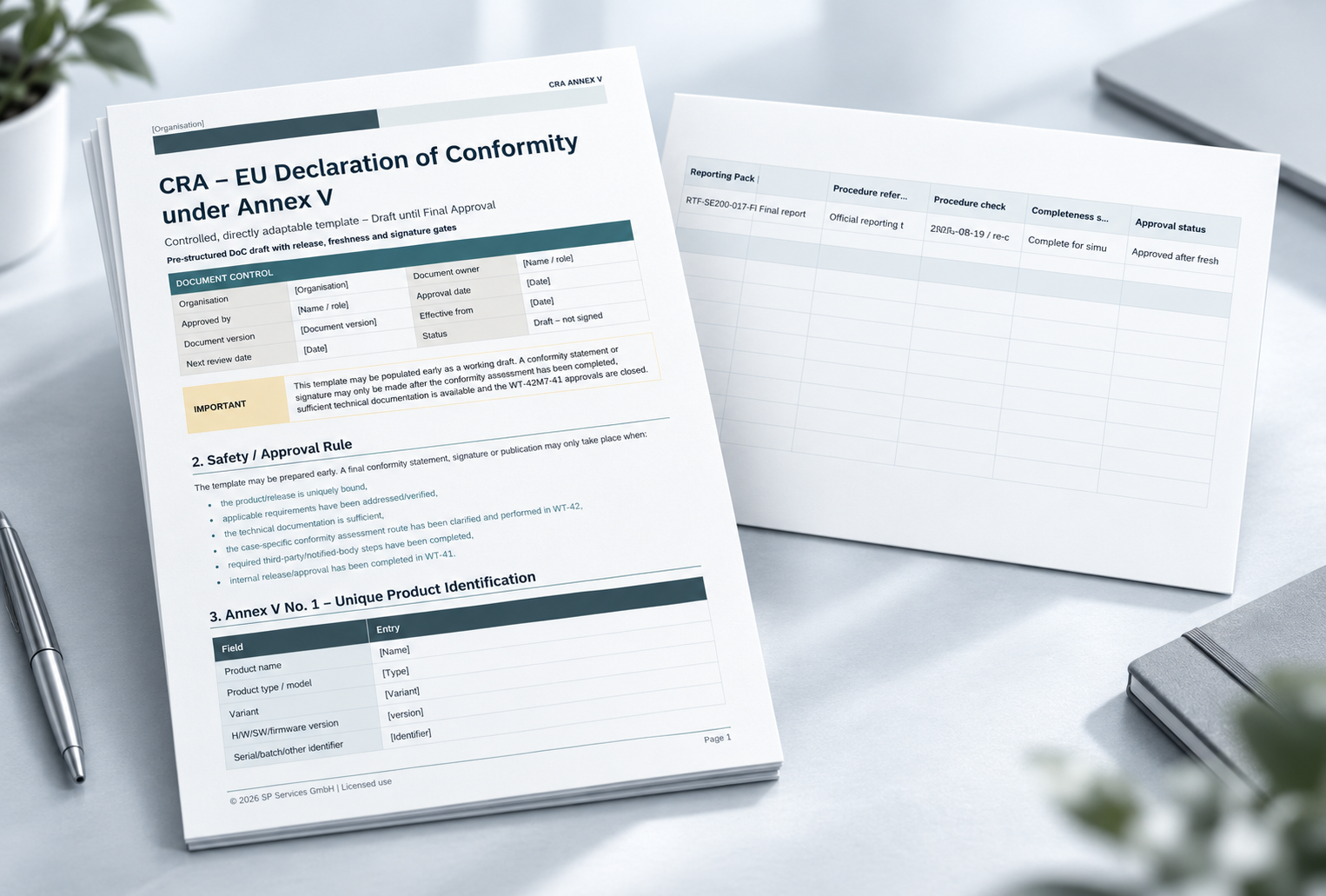
The kit brings together requirements, tests/evidence, technical documentation, product changes and internal release decisions, documents conformity preparation and includes a controlled draft EU Declaration of Conformity under Annex V. It does not itself perform a formal conformity assessment and does not establish CRA conformity.
Work through the CRA in English with the current digital Practice Kit. All binding purchase and delivery information is available in the CopeCart checkout.